Your knowledge everywhere.
Obris keeps your knowledge in one place and makes it available in every AI tool you use.
Stop answering the same question twice.
Obris turns what your team needs to know into an AI expert that answers through the tools they already use. It stays current when the source changes and shows you where the gaps are.
Set up in under 5 minutes. No credit card required.

Works with Claude, ChatGPT, Codex, and any other AI client
Switching tools costs you context.
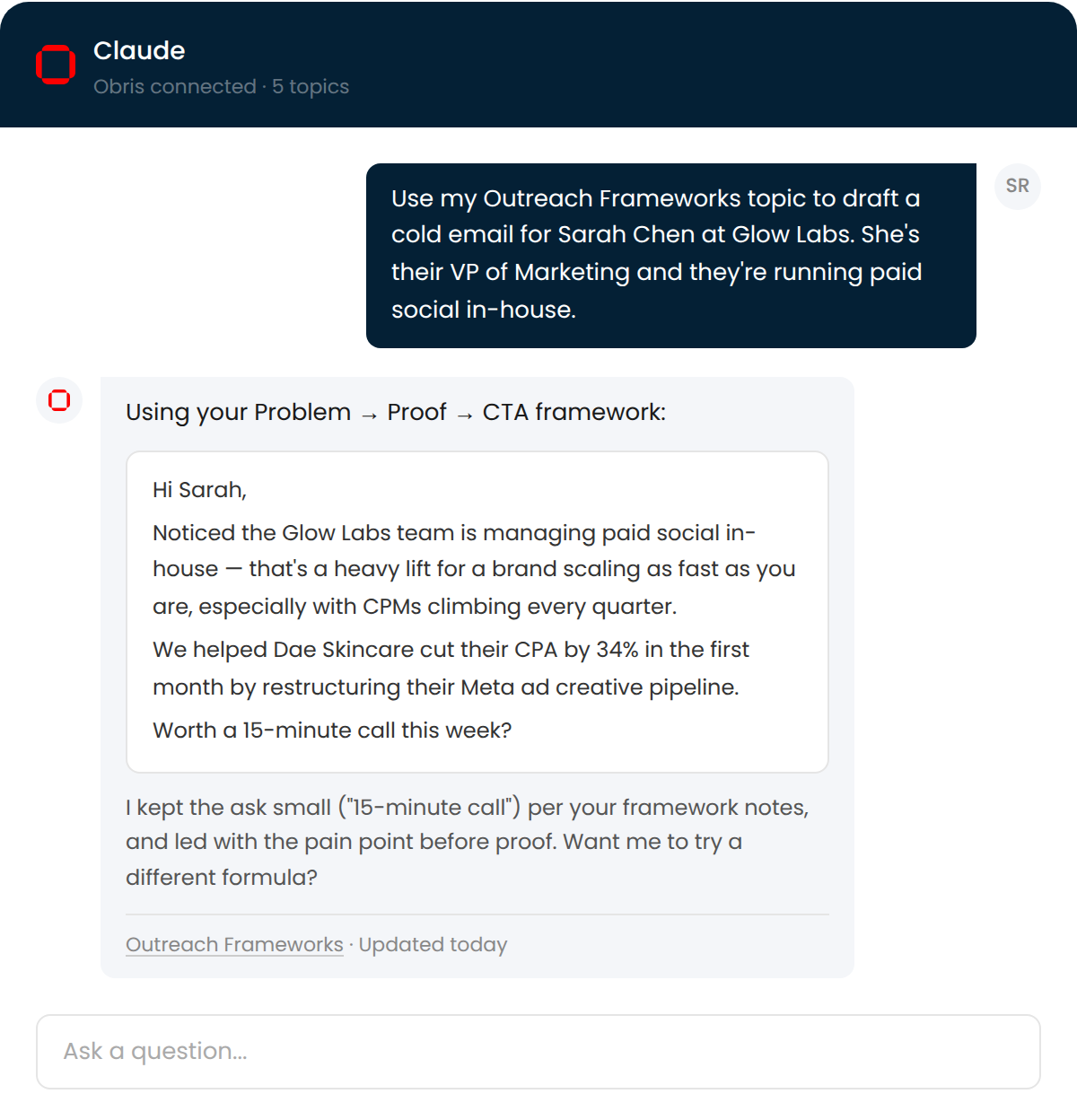
You use different AIs for different things. Claude Cowork or the Codex App lets you spin up scheduled tasks and work with plugins. Claude Chat and ChatGPT are always available for quick questions. Gemini's available for deep research. Every time you switch, you start from zero.
So you copy-paste context into every conversation. Brand voice, style guides, architecture notes, today's todo list. You've explained the same thing a dozen times across a dozen chats.
And the AI keeps changing. A new tool gets released, you're on a different device, you switch from web to desktop. Every migration resets your context back to nothing.
The problem isn't the AI. It's that your knowledge is trapped in conversations that disappear.
Obris keeps your knowledge in one place. It serves as files where AI can read them, and as MCP where they can't. Switching tools costs you nothing.
You wrote the docs. Nobody read them.
So you put them in a wiki. It went out of date 8 months ago. Three product releases have happened since. Nobody updated it, and nobody noticed because nobody was reading it anyway.
So your team asks you instead. Your DMs are a support queue. Your team channels are a loop of “does anyone know how to...” followed by the same answer you gave last month.
So you uploaded them to an AI. You set up a Claude Project or custom GPT with your docs. It worked great for a month. Now it's giving outdated answers because nobody re-uploaded the latest version.
The docs were never the problem. Nobody reads docs. The problem is that nothing keeps your knowledge alive or tells you when it's failing.
Your knowledge, in every AI conversation.
1Capture from anywhere
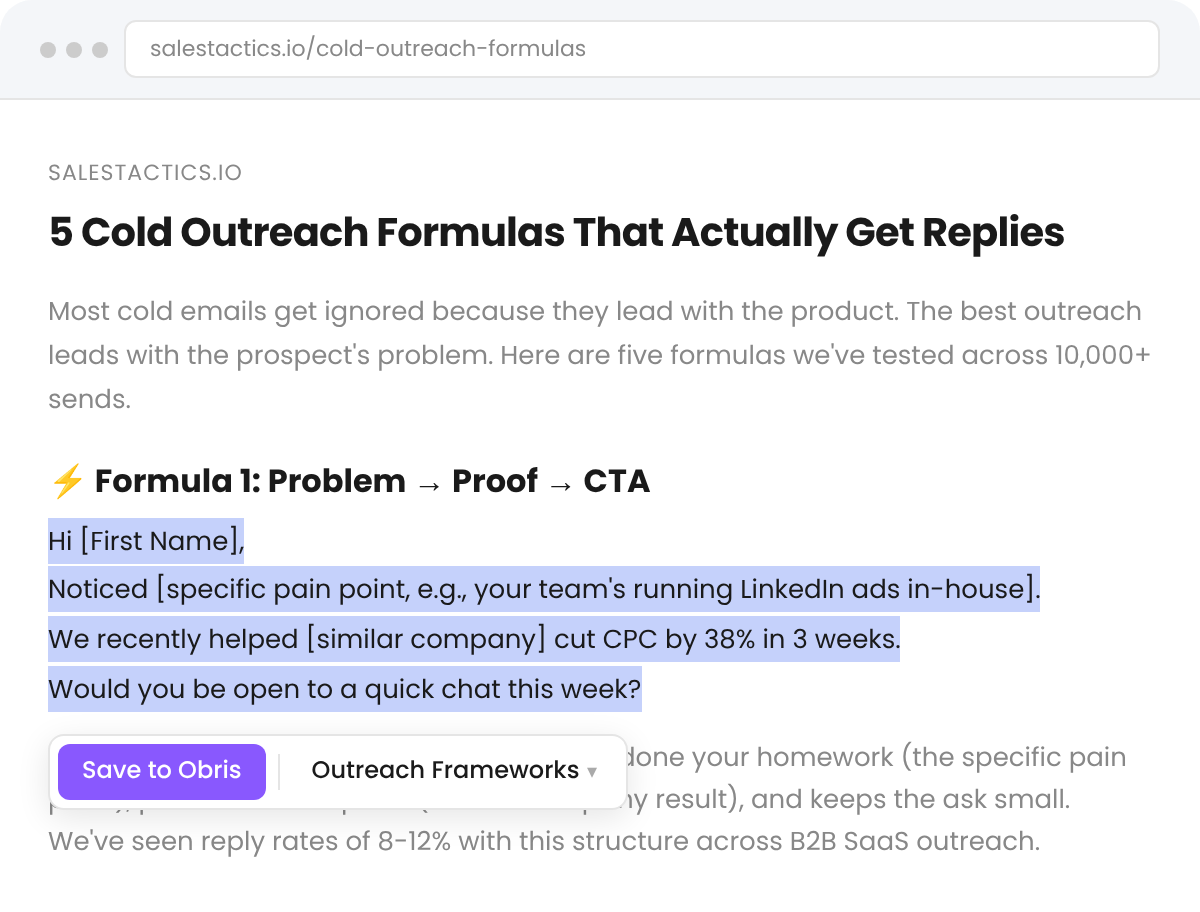
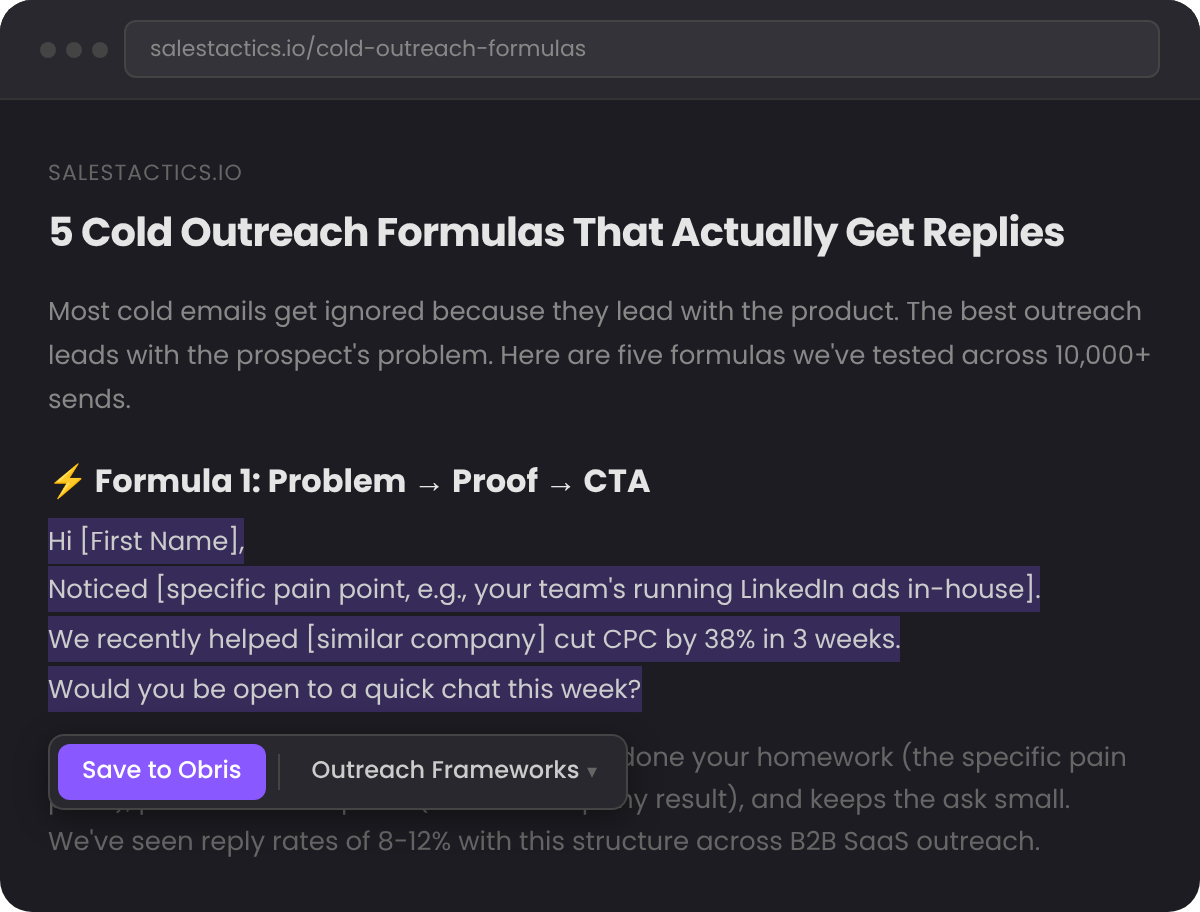
Highlight what matters from the web and save it to Obris. Sync from tools like Notion and Google Drive to keep topics current automatically.
2Organize into topics
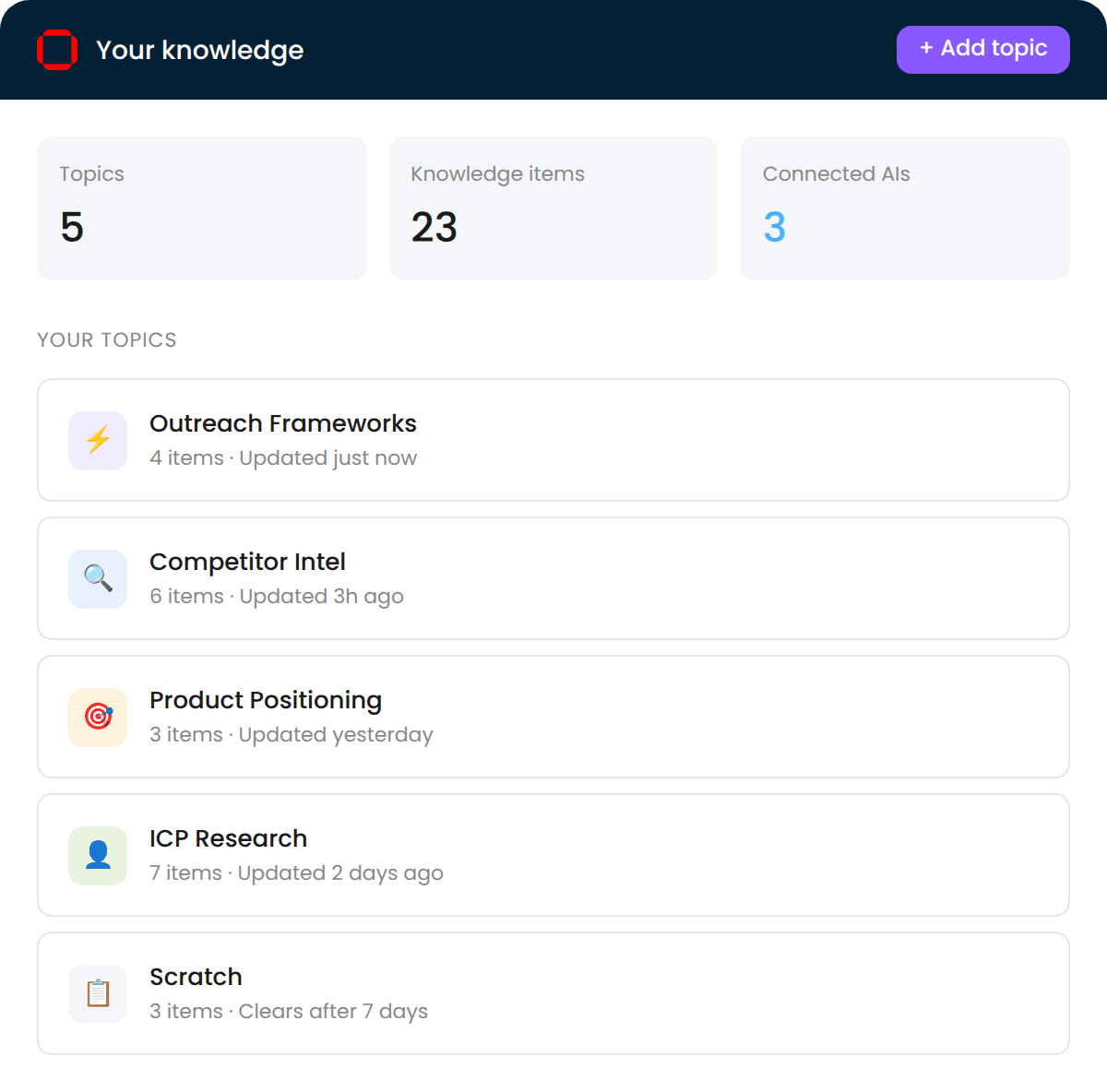
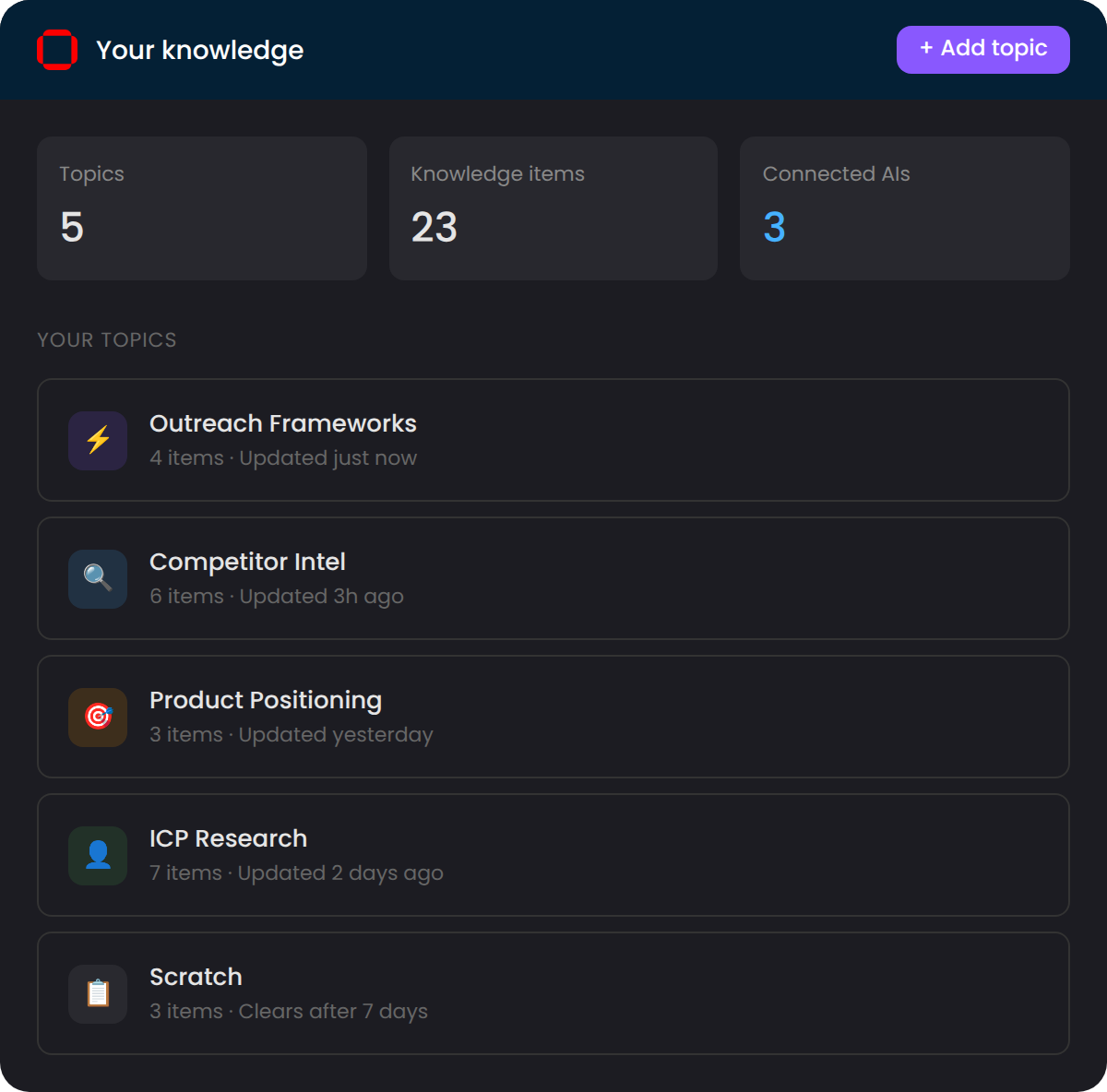
Your knowledge builds up over time across topics you define. Frameworks, research, references — structured the way you think about it.
3Use it everywhere
Works as files when the AI can read your filesystem (Cowork, Claude Code, Codex App, Codex). Works over MCP when you're on the go (Claude Chat, ChatGPT, custom GPTs). Switch tools mid-thought, and the same knowledge follows.
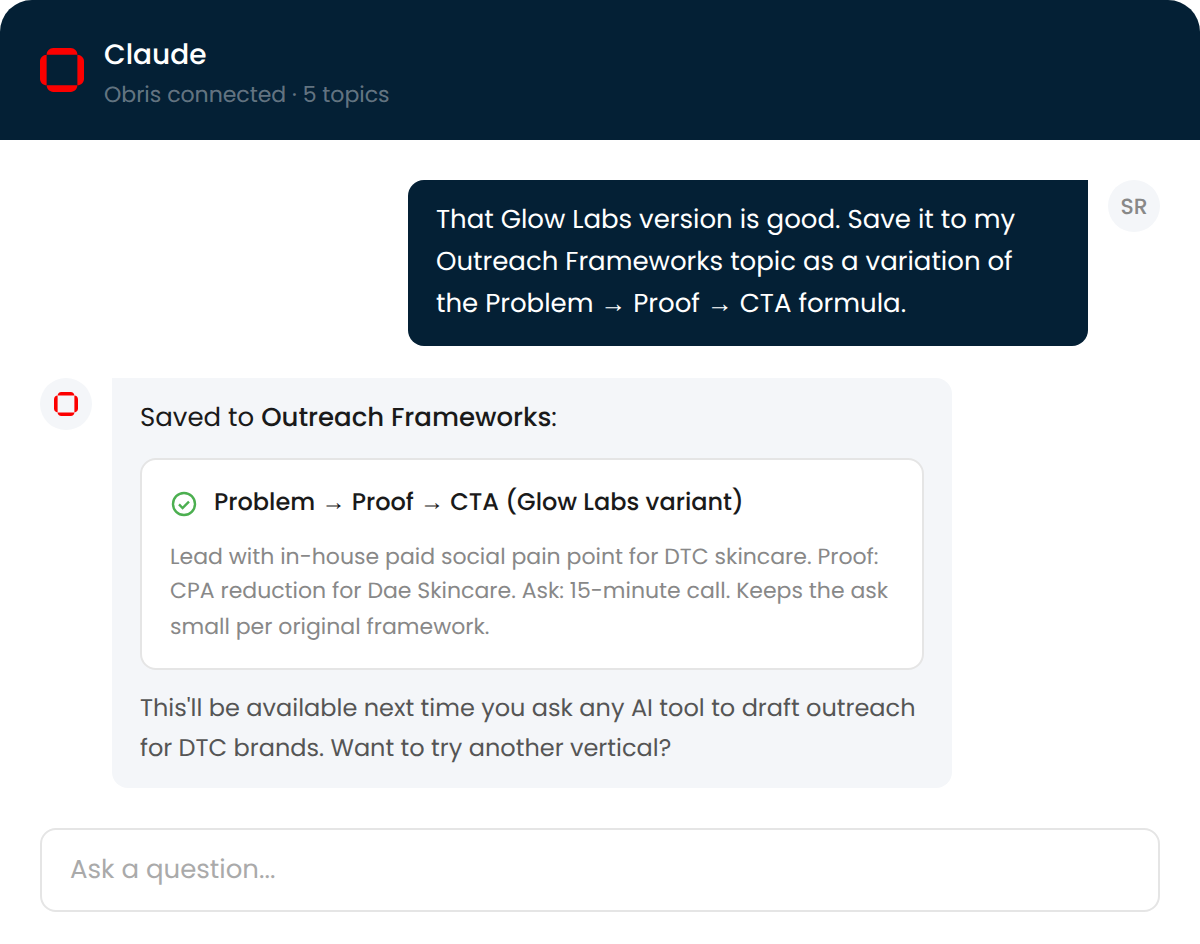
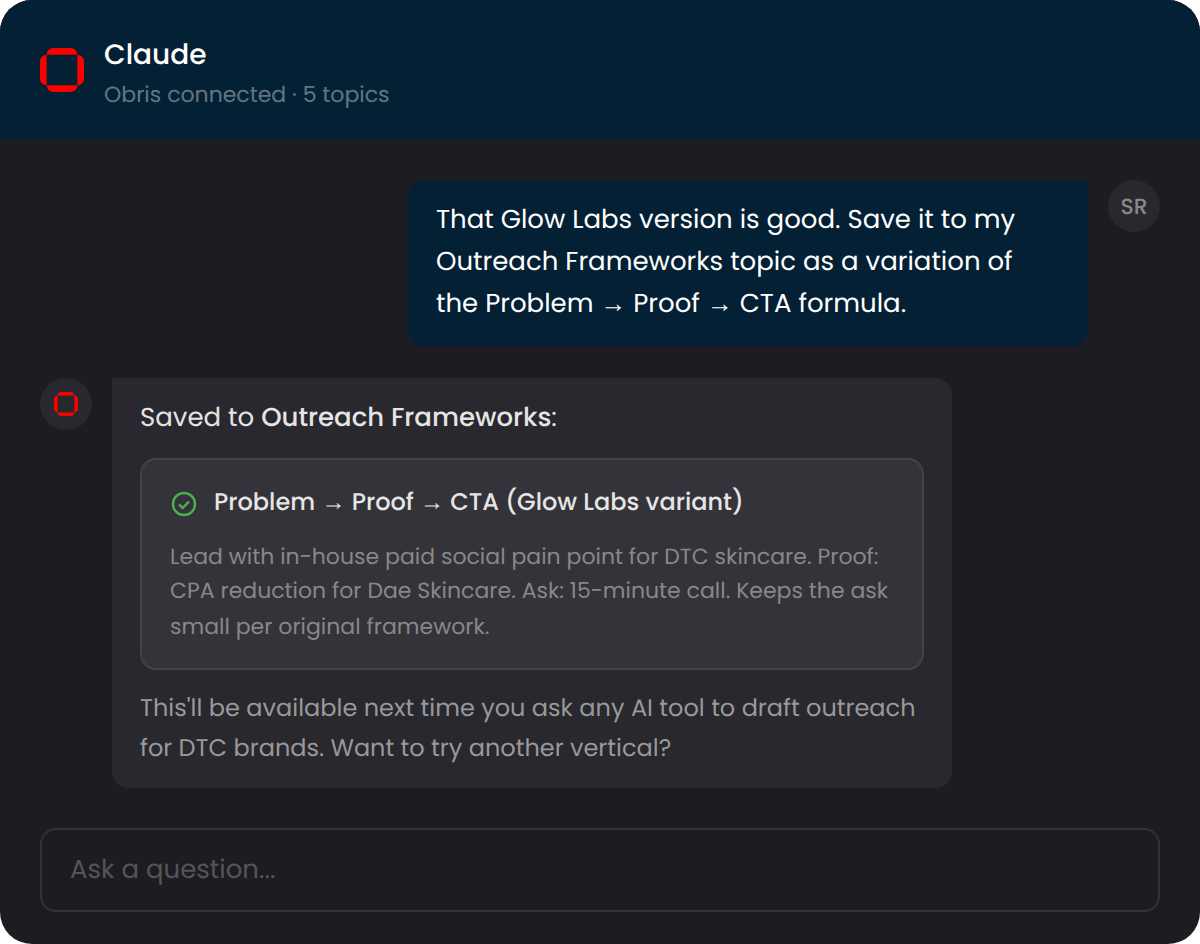
4Save what works back
When the AI produces something good, save it back to Obris. Your knowledge base grows with every conversation.
Takes less than 5 minutes. No credit card required.
Build an AI expert in three steps.
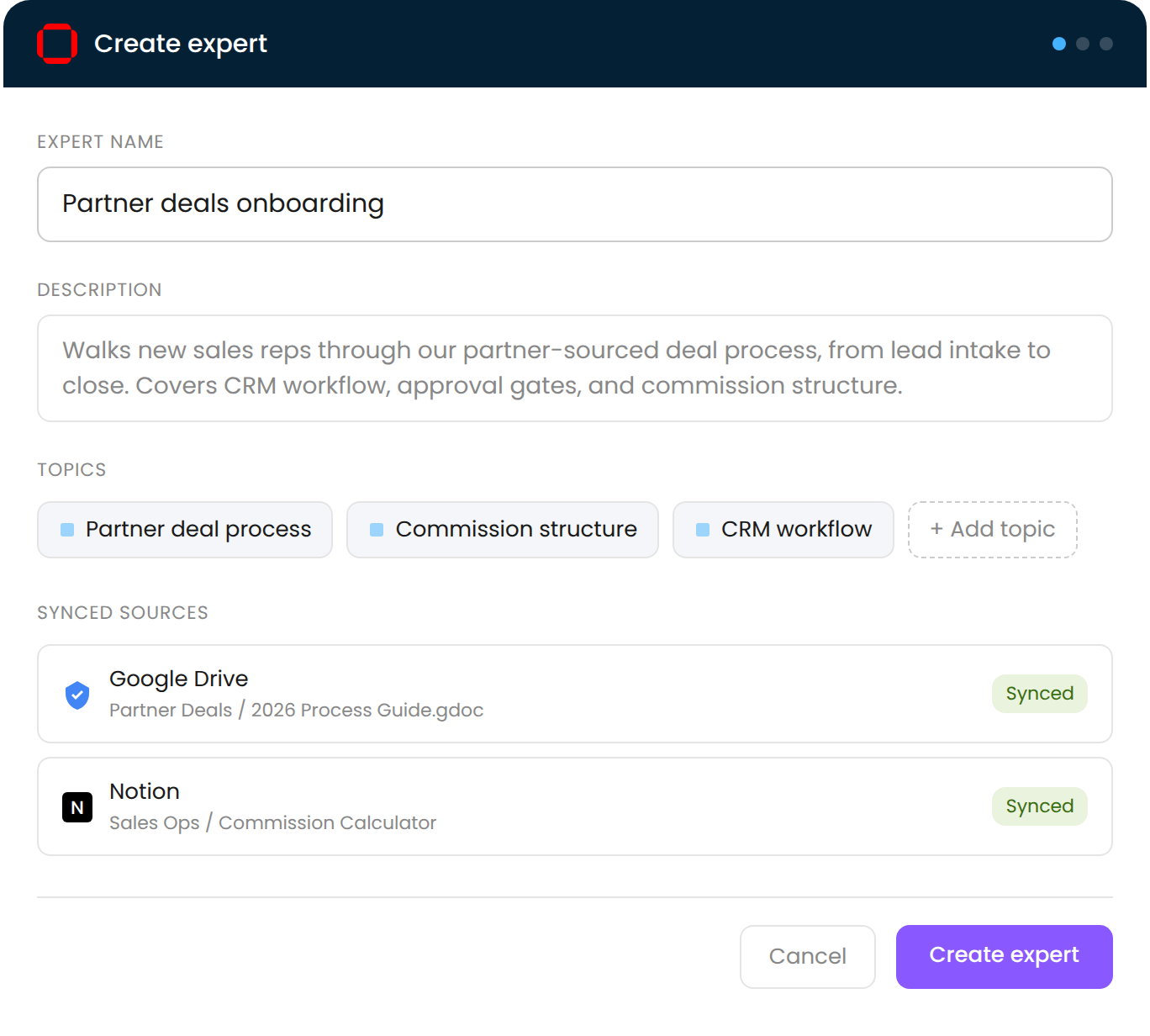
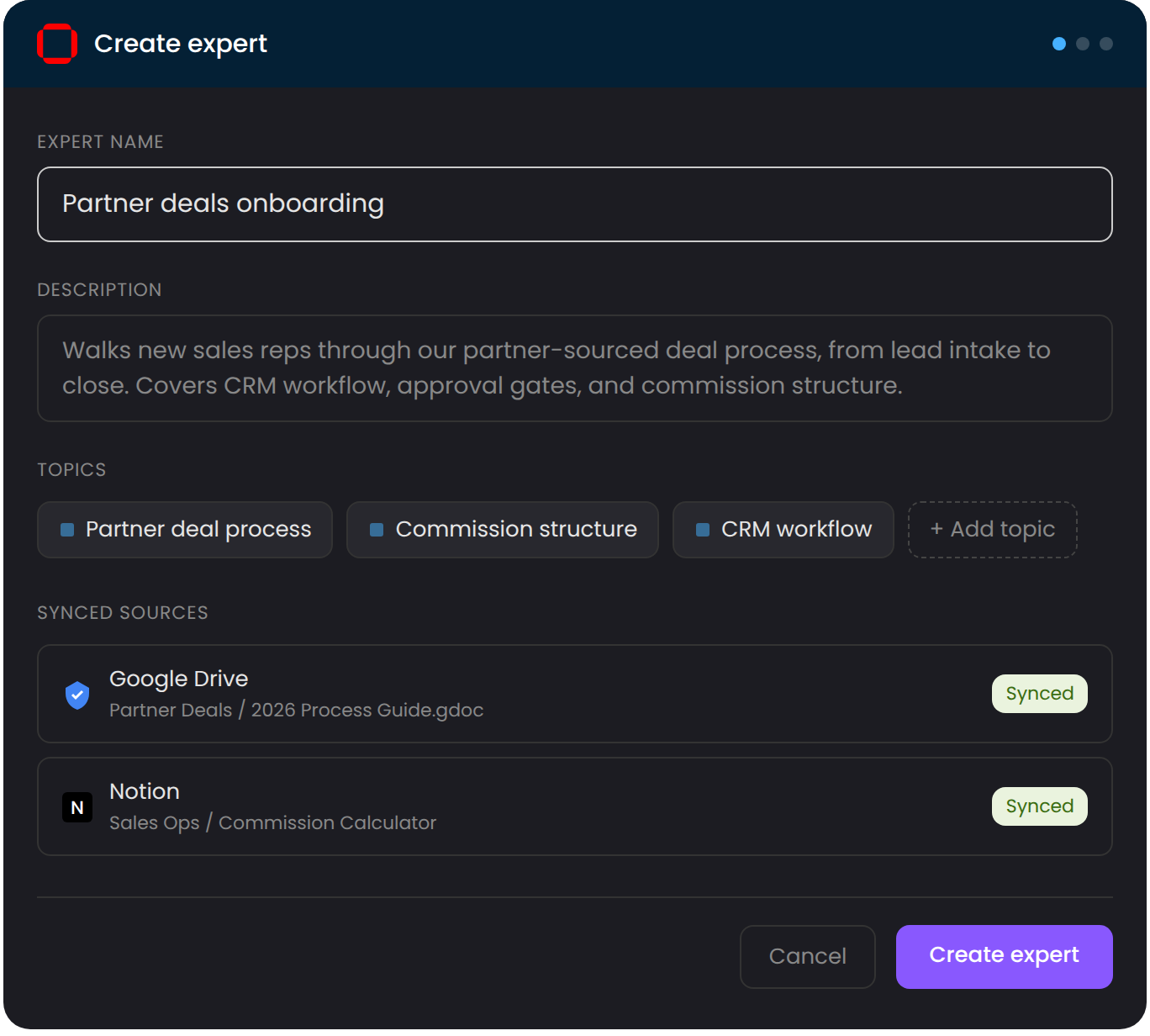
1Curate your knowledge
Organize what your team needs to know into topics. Onboarding, process docs, decision records, anything your team asks you about repeatedly. Sync from Google Drive or Notion so it stays current when the source changes.
2Deploy your expert
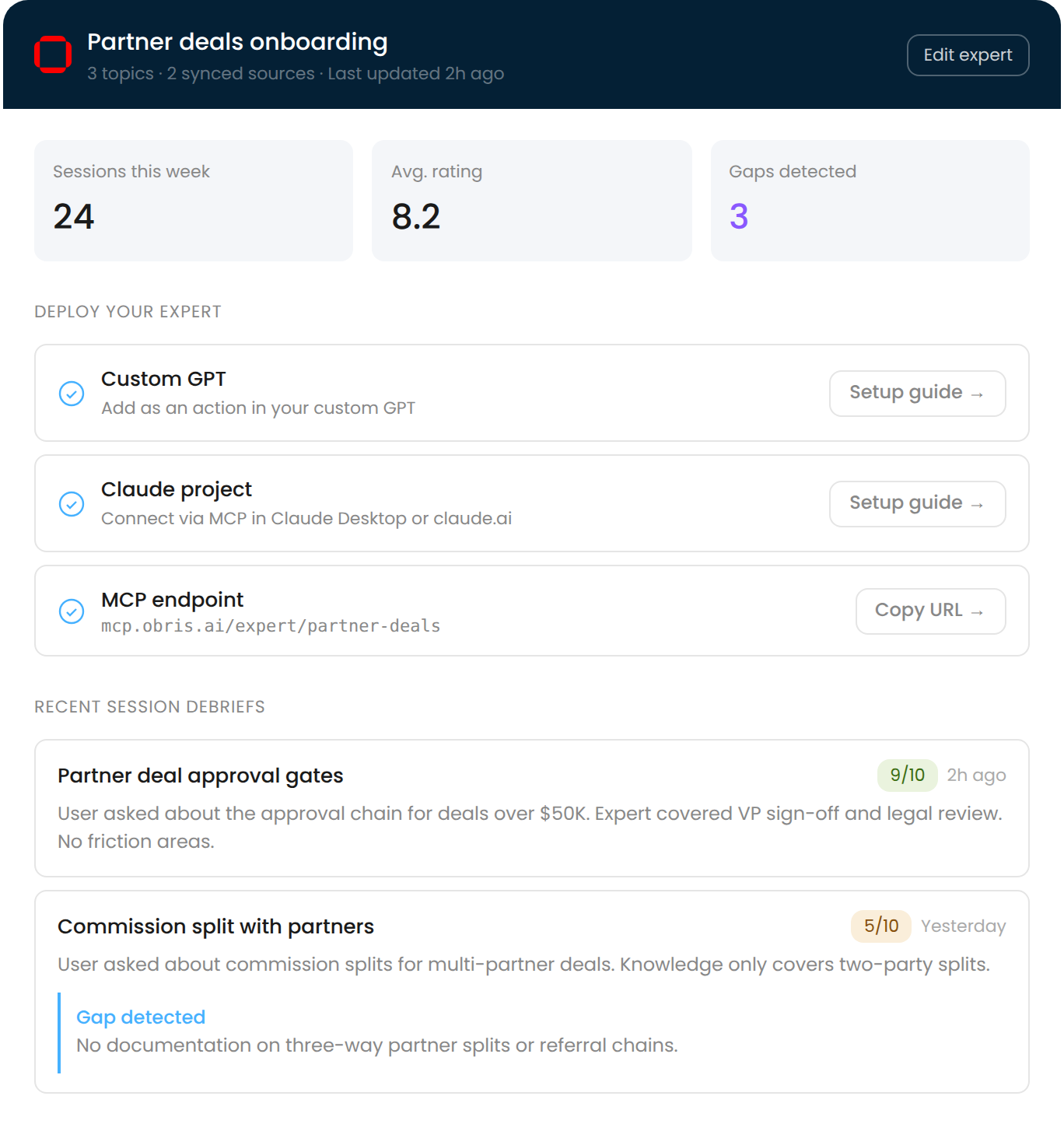
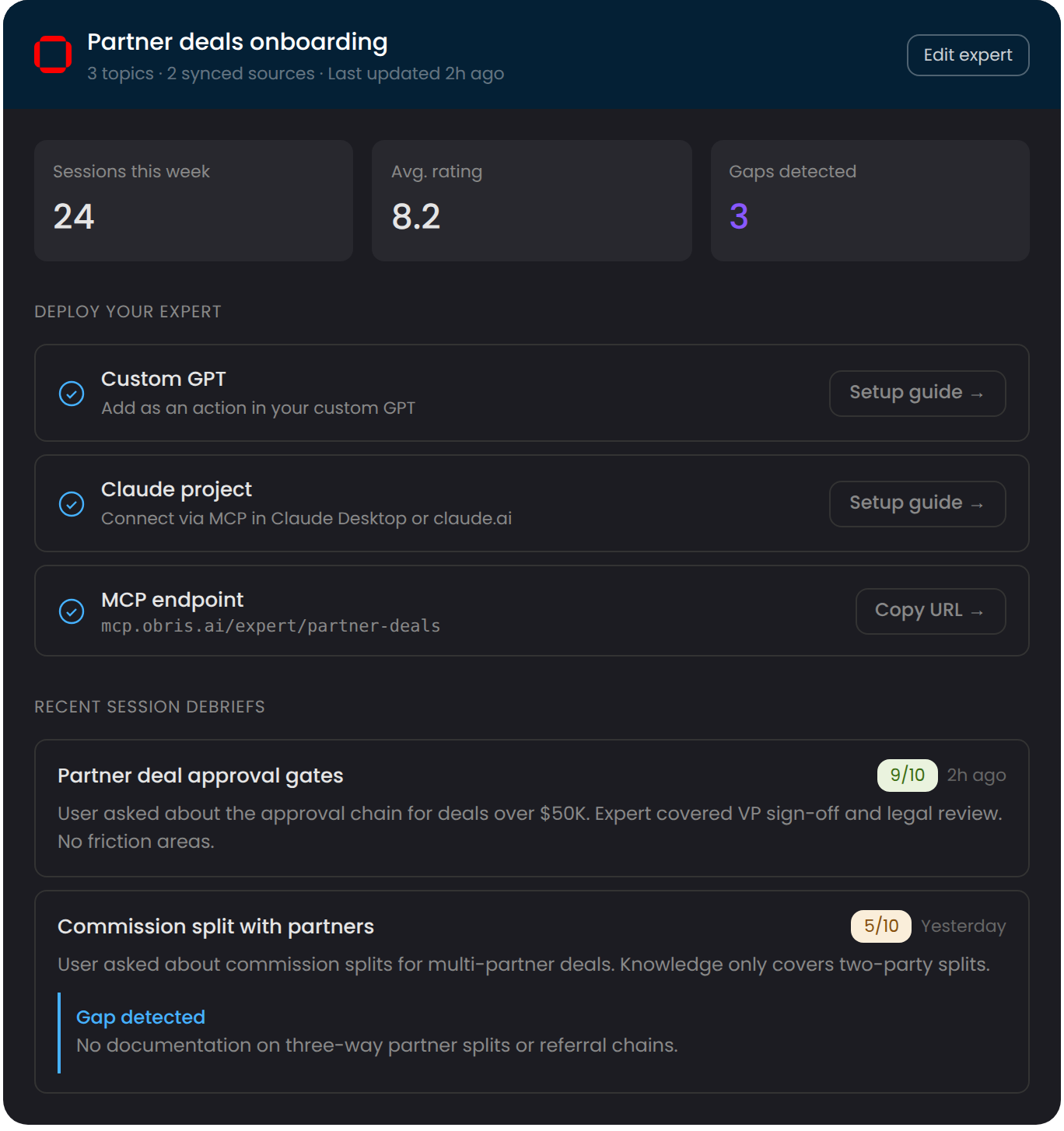
Connect to Claude, ChatGPT, custom GPTs, or any MCP-compatible tool. Your team uses whatever AI they already have. No new app to adopt, no new interface to learn.
3See where it falls short
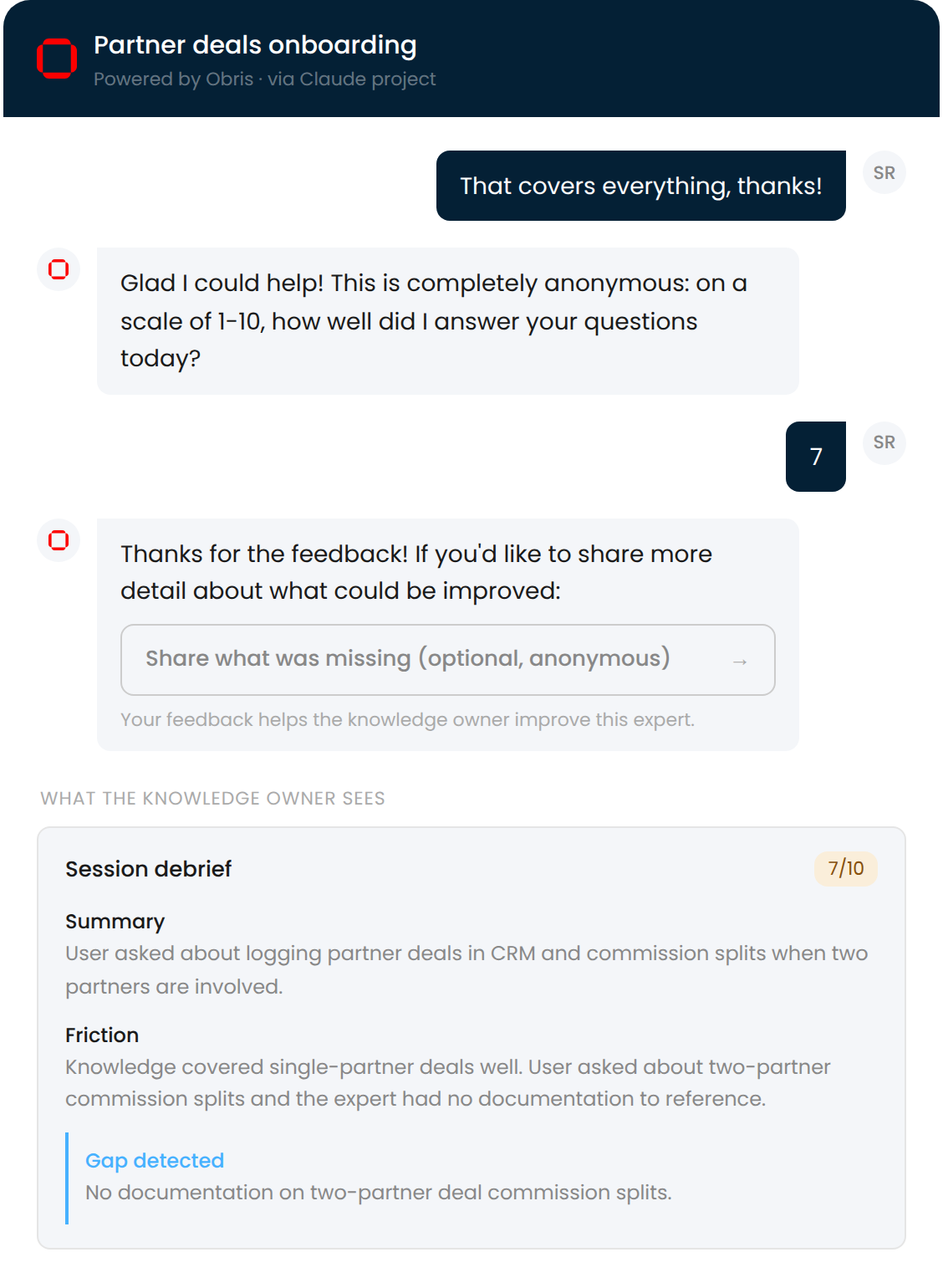
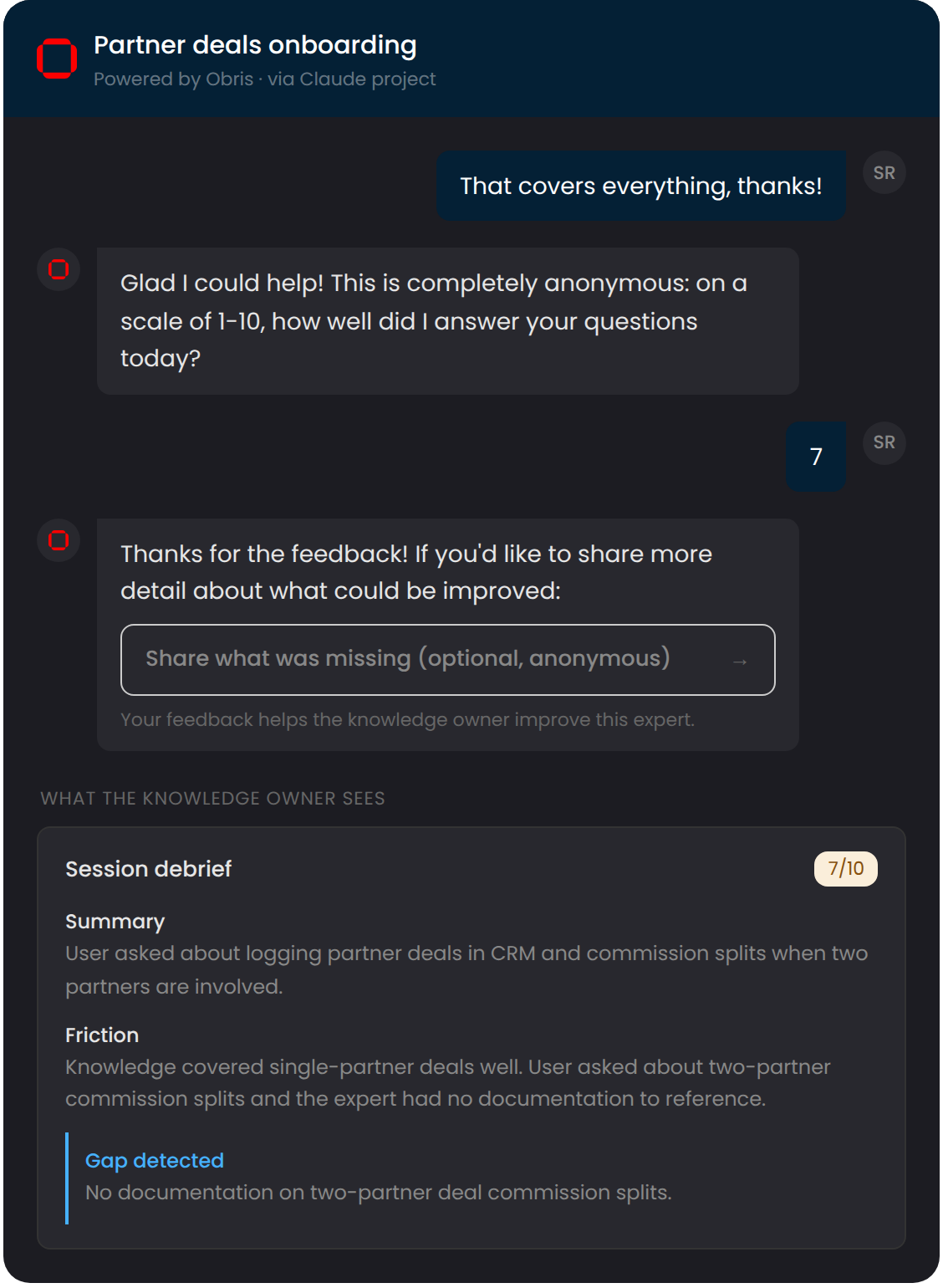
Session ratings and feedback show you where users got stuck and what knowledge was missing. Your expert gets better because you can see exactly where it falls short.
Takes less than 5 minutes. No credit card required.
Connect your AI.
Two paths, depending on what your AI can do. AIs that read your filesystem install a plugin. Everything else connects over MCP.
Your setup guide lives where your team works.
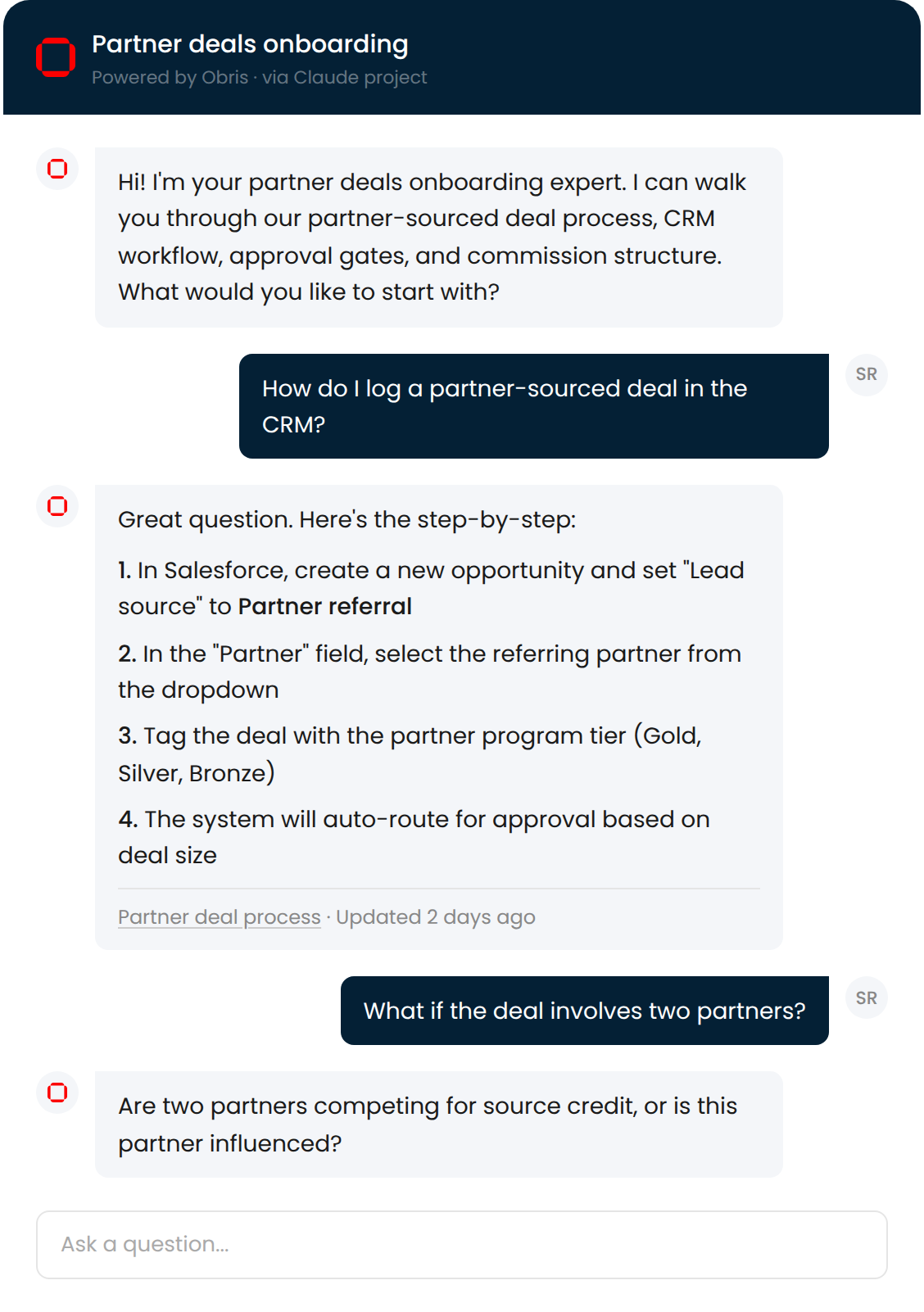
We don't embed a chatbot on our site. We built our setup guides as Obris experts and deployed them into ChatGPT. Pick a guide below, ask it a question, and get walked through it step by step. That's the product.
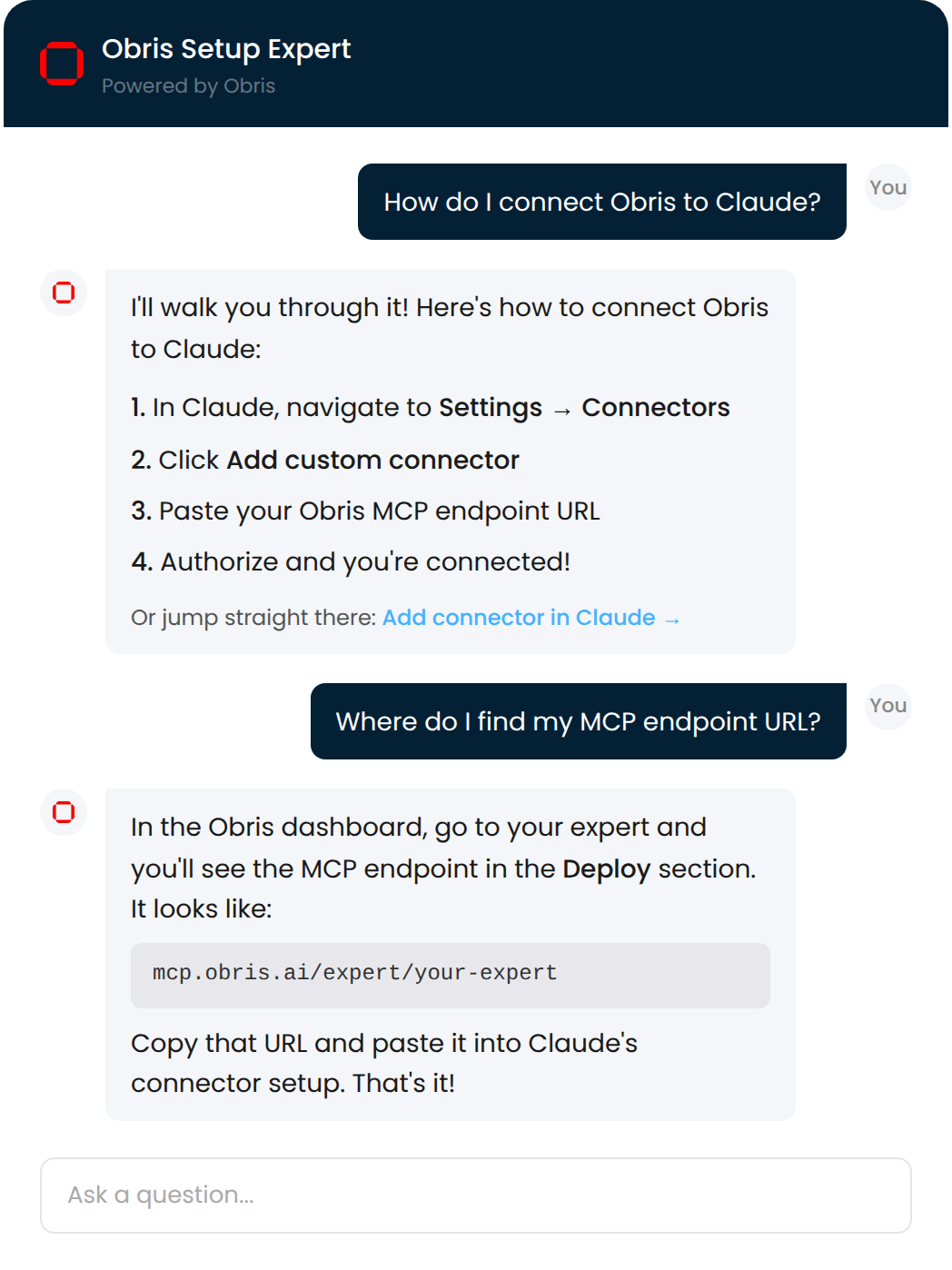
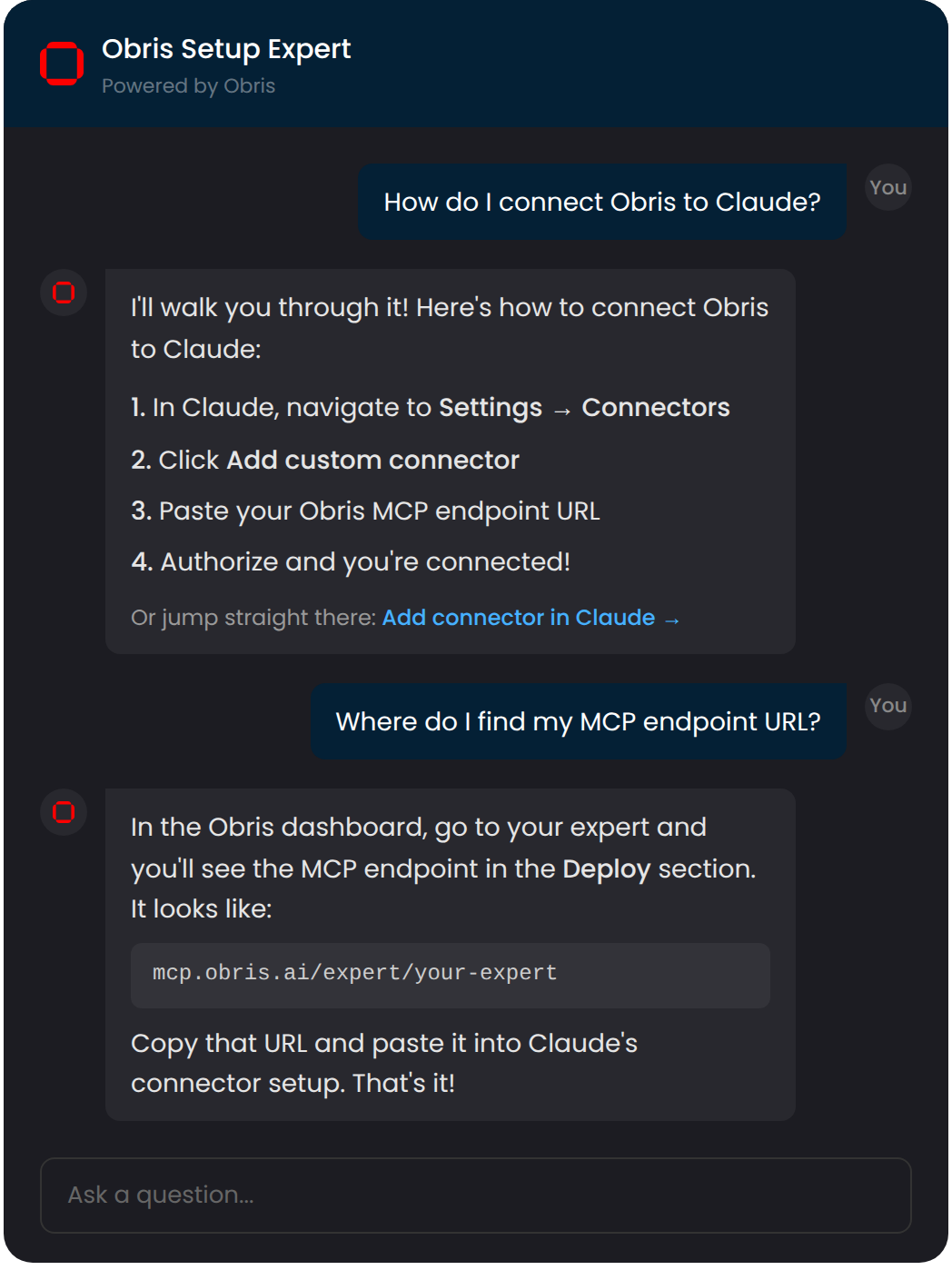
Don't have file access? Set up MCP to access your files remotely.
You store the knowledge. Your AI accesses it wherever you're chatting.
You curate the knowledge. Your team asks in the tool they already use.
One knowledge base. Every AI tool.
Research
Do research in Chat, follow-up in Claude Cowork. Your findings carry over.
Decisions
Save architecture decisions, design rationale, and tradeoffs. Never re-explain why.
Personal knowledge
Notes, bookmarks, and references available in every AI conversation.
AI switching
New tool, new workflow, new device. Your context moves with you.
Onboarding
The onboarding doc becomes a conversation.
Team knowledge
An expert that knows what you know, available when you're not.
Customer support
Answers from what you've curated, not the open internet.
Internal processes
The stuff that lives in someone's head, available to everyone.
Simple, transparent pricing.
Free
- Unlimited knowledge
- Unlimited topics
- All your files, not just markdown
- Sync to disk via the CLI
- Connect any AI you use
Billing kicks in when you invite the second member. Solo use stays free. See team pricing.
Free
- Unlimited knowledge
- Unlimited topics
- All your files, not just markdown
- Sync to disk via the CLI
- Connect any AI you use
Pro
Billed annually
- Everything in Free, per seat
- Shared experts
- Team collaboration
- Member roles
- Admin controls
Billing kicks in when you invite the second member. Solo use stays free.
Your knowledge, everywhere you work.
Stop copy-pasting context. Save once, use in every AI conversation.
Turn your team's knowledge into an AI expert.
Your knowledge deserves to work as hard as you do. Set up your first expert in minutes.